
Main Services
Data Repair
Professional Hard Disk Data Recovery Service
Whether it's a USB drive or an SSD, we'll help save it.
Full inspection and data rescue in a well-equipped studio
What precautions should I take to prevent the loss of important data?
Data loss or corruption can occur in a number of ways, such as viruses, power surges (voltage surges), software errors, hardware failures, network transmission errors, computer misuse, or other factors that cause data to be altered or corrupted!
Data recovery refers to the restoration of data retained on the media when data is lost due to various reasons. Even if the data is deleted or the hard disk fails, it is possible to recover the data without damage if the media is not seriously damaged. In the case of data loss caused by formatting or accidental deletion, most of the data is still intact and can be read again if the connection is restored by software.
If the hard disk becomes inaccessible due to a hardware failure, the data can be restored by replacing the failed part.
However, when the media is severely damaged or the data is overwritten, it is extremely difficult to recover the data.
Data recovery can be file recovery, data recovery of physically damaged disks, recovery of data from different operating systems, recovery of data from different mobile digital memory cards, and so on.
Data recovery is a remedial measure after a problem occurs and is neither a preventive measure nor a backup.
Therefore, it will be difficult to recover the data in some special cases, such as data overwriting, low-level formatting and clearing, and serious damage to the diskette.
- Turn off the power supply to the hard disk immediately
- Remove the hard disk to avoid powering it up.
- Contact us right away at [56905795].
- Inspection by professional engineers with clean room facilities
- Do not repair on your own
Scope of Services
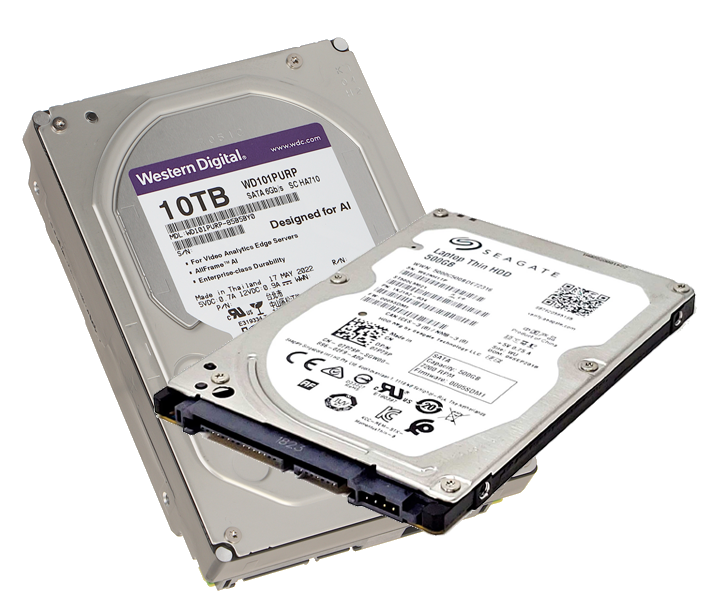
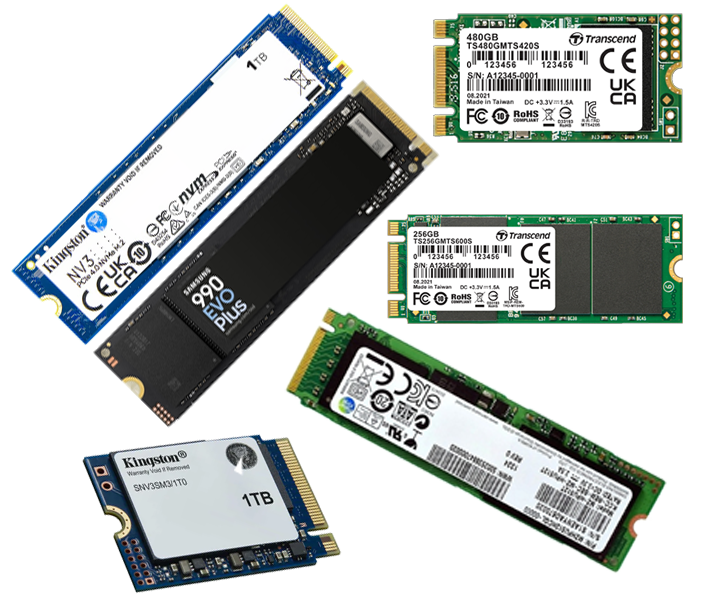
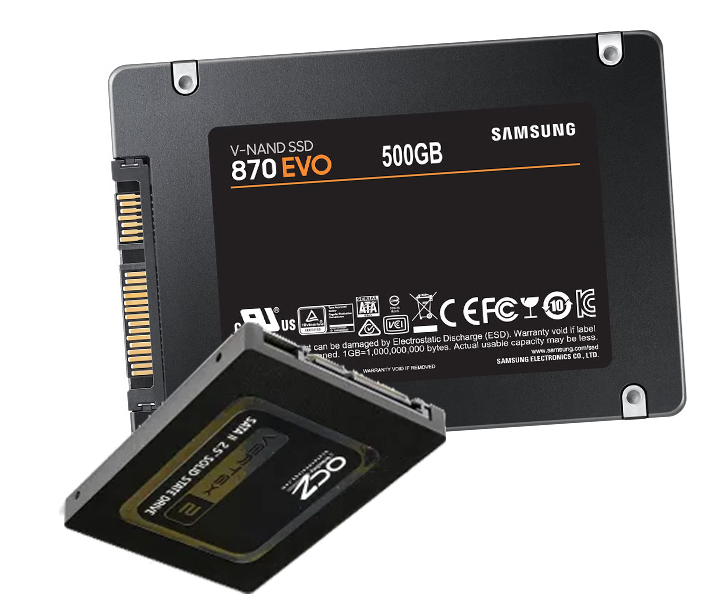
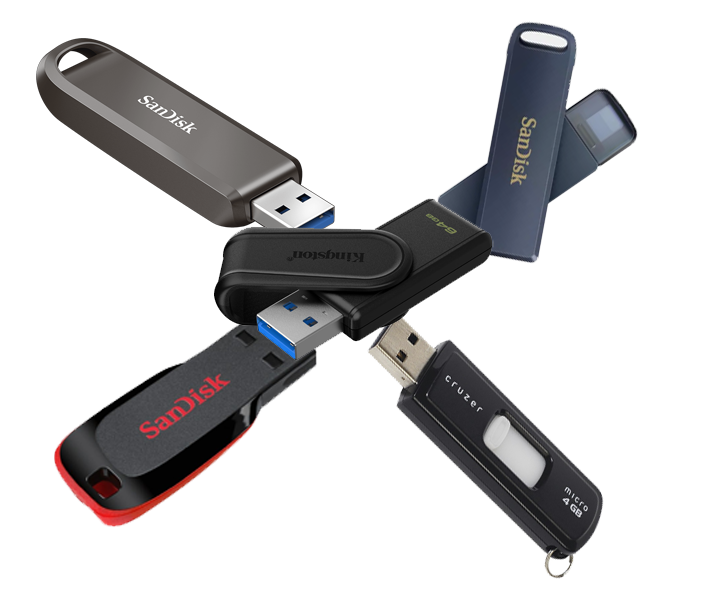
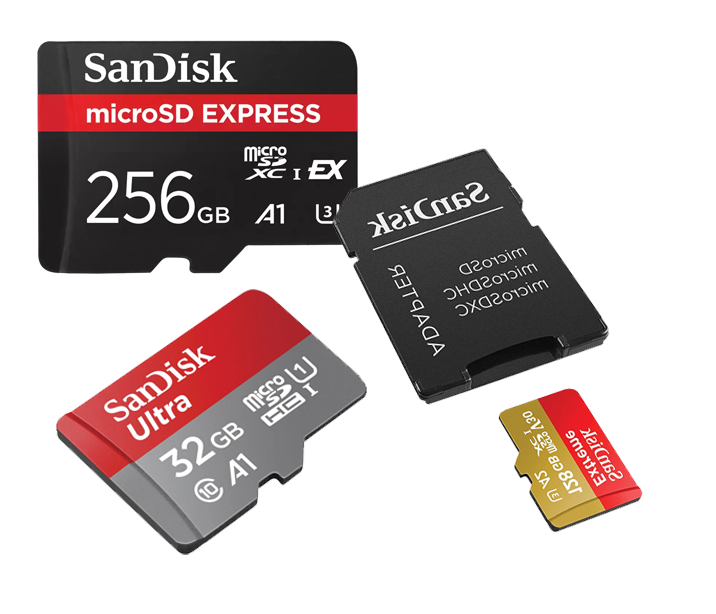
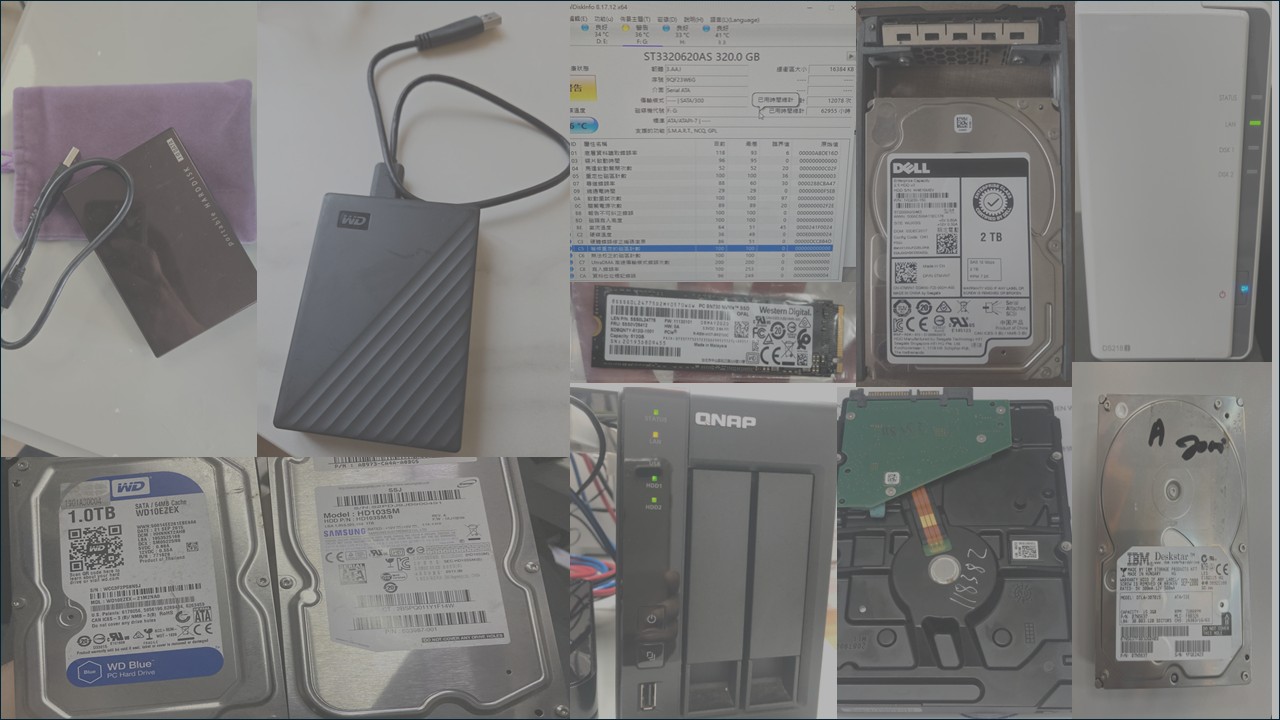
Traditional Hard Drives|Solid State Drives|External Hard Drives|USB|SD Card|RAID
Diagnosis and Quotation
Identify the root cause of the problem and provide a clear quotation
Professional Inspection >>> Evaluation and Quotation
Formal Restoration and Processing
After you confirm your quote
Data restoration work, data extraction in well-equipped studios
Suitable Time Progress Return
Data Validation and Delivery
A full screenshot of the data extraction will be provided after the repair is complete.
Confirmation of the accuracy of the information, and delivery of the information !
Common Hard Disk Failure Scenarios
If you encounter any of the following situations, please be sure to remain calm and follow our advice on how to proceed.
Category 1: Emergency Hardware Alerts 🚨
(Physical damage to hardware, data is extremely dangerous!)
| Symptoms | Situations you may encounter | Emergency Response |
|---|---|---|
| Hard Disk Noises | The hard disk makes a **click, gurgle,** tapping or rubbing sound. | Turn off the power immediately! This is the most dangerous sign that further driving will wear out the disk. |
| Not detected by computer | The hard disk is not found at all in the BIOS or in the system, like it disappeared. | Stop trying! This is a sign of a serious hard disk failure. |
| The computer keeps rebooting. | After booting up, it reboots itself repeatedly when reading the hard disk and cannot enter the system. | Stop forced booting! This is usually a serious mistake. |
| Blue and white screen | Blue/BK White Screen of Death occurs frequently when the computer is in use. | Do not restart repeatedly! It is possible that the hard disk has serious bad sectors or is about to fail. |
Category 2: Software and Operational Errors 🛠️
(The problem is with the system or operation, the data is usually still there)
| Symptoms | Situations you may encounter | Suggestions |
|---|---|---|
| Accidental file deletion | Accidentally pressing "Shift + Delete" or emptying the recycle bin. | Stop using the hard disk immediately! The new action overwrites the old data. |
| Hard Disk Accidentally Formatted | By mistake, I clicked "Format" on the hard disk and all the data disappeared. | Do not perform any write operations! Formatting only clears the "directory", the data itself is still there. |
| The operating system cannot be opened. | The computer is stuck on the boot screen, or prompts that the boot disk cannot be found. | Do not try to reinstall the system! The personal data on the hard disk is usually intact. |
| viral infection | The computer is poisoned and files are encrypted, hidden or cannot be opened. | Disconnect immediately! The virus is handled by experts to avoid spreading and secondary damage. |
| Prompts need to be formatted | When you click on the hard disk, the computer pops up the "The disk is not formatted, do you want to format it now?" window. window. | Do not click "yes"! This is usually a partition table or file system corruption. |
Category 3: External Factors and Accidents ⚠️
(Damage caused by force majeure)
| Symptoms | Situations you may encounter | Suggestions |
|---|---|---|
| Natural Disasters | hard diskFire, Flood, Earthquake, Lightning Strikeetc. were affected. | Do not attempt to energize! Seal and store the damaged hard disk and have it handled by a professional clean room team as soon as possible. |
Universal Code of Conduct
The first order of business:Discontinue use immediately!
Do not try to fix it yourself或Installation Software。
Seeking professional help is the best way to save your data.
Whatever your situation, we have a solution for you. Please feel free to contact us!
After receiving the hard disk, our technicians will inspect it and make a quotation based on the damage assessment.
When you findThe hard disk is broken.orUnable to read hard diskWhen the precious memories of the past are made.Bear Technology的Data RescueThe team is your last hope...
*Checks will incur a checking fee
All decisions are reserved by the Company.
 Chinese
  English